Every paycheck, on purpose.
BudgetGem is the budget planner I built because nothing else worked the way I actually get paid. It plans your money one pay period at a time, so you always know what’s due before your next paycheck and what’s left over.
The BudgetGem app is coming soon to the App Store. Join the launch list and I’ll email you the day it’s live. Want it now? The computer version is available today.
Join the launch listDownload for Mac or PC — $27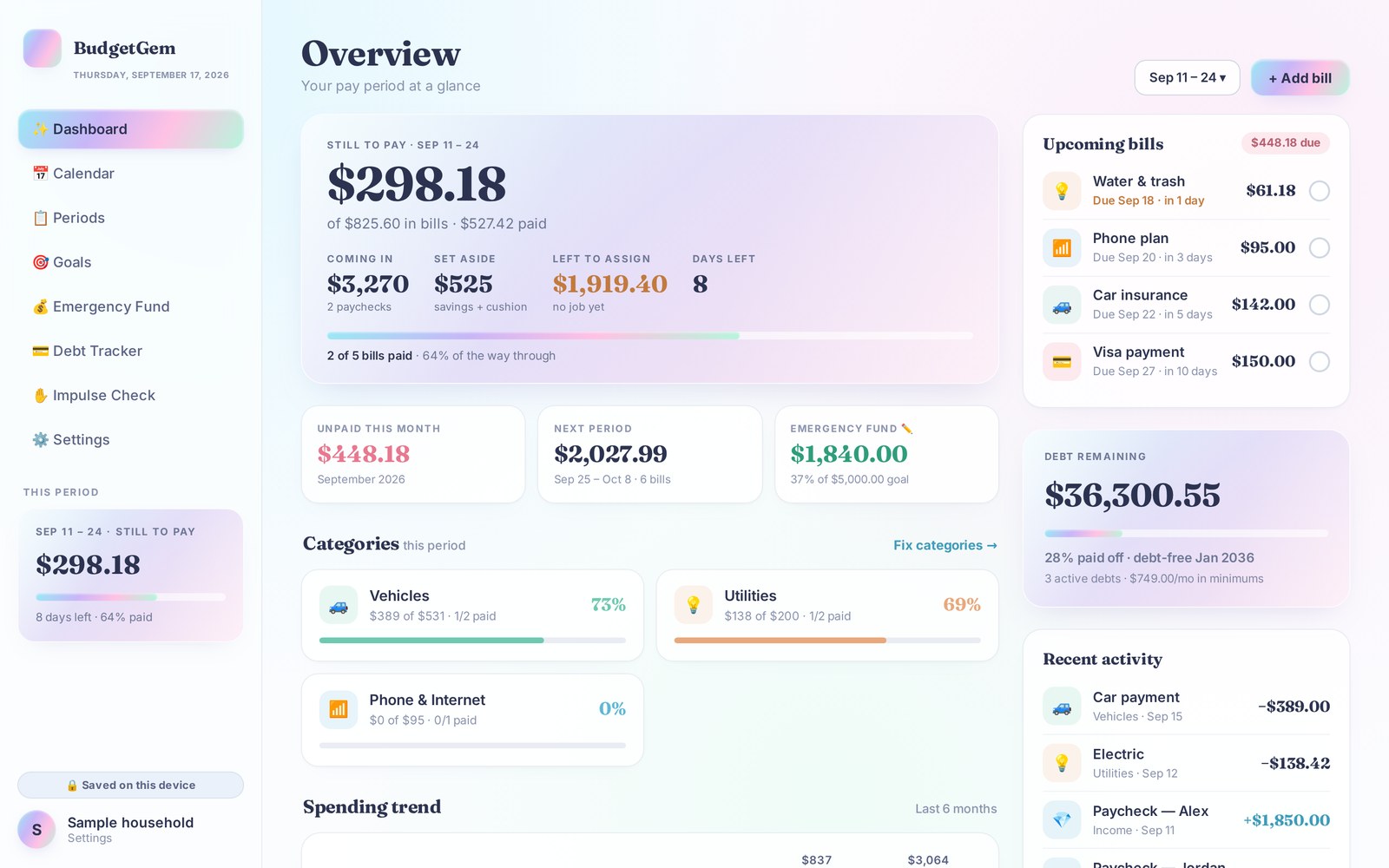
Budgeting apps assume you’re paid once a month. Most of us aren’t.
If you’re paid every two weeks, a monthly budget never quite lines up. Say rent is due on the 1st and your paycheck lands on the 9th. One check ends up covering half the bills, and the next covers almost nothing. I tried app after app and spreadsheet after spreadsheet, and none of them handled this. So I built my own, and I’ve run my family’s money through it every payday for months.
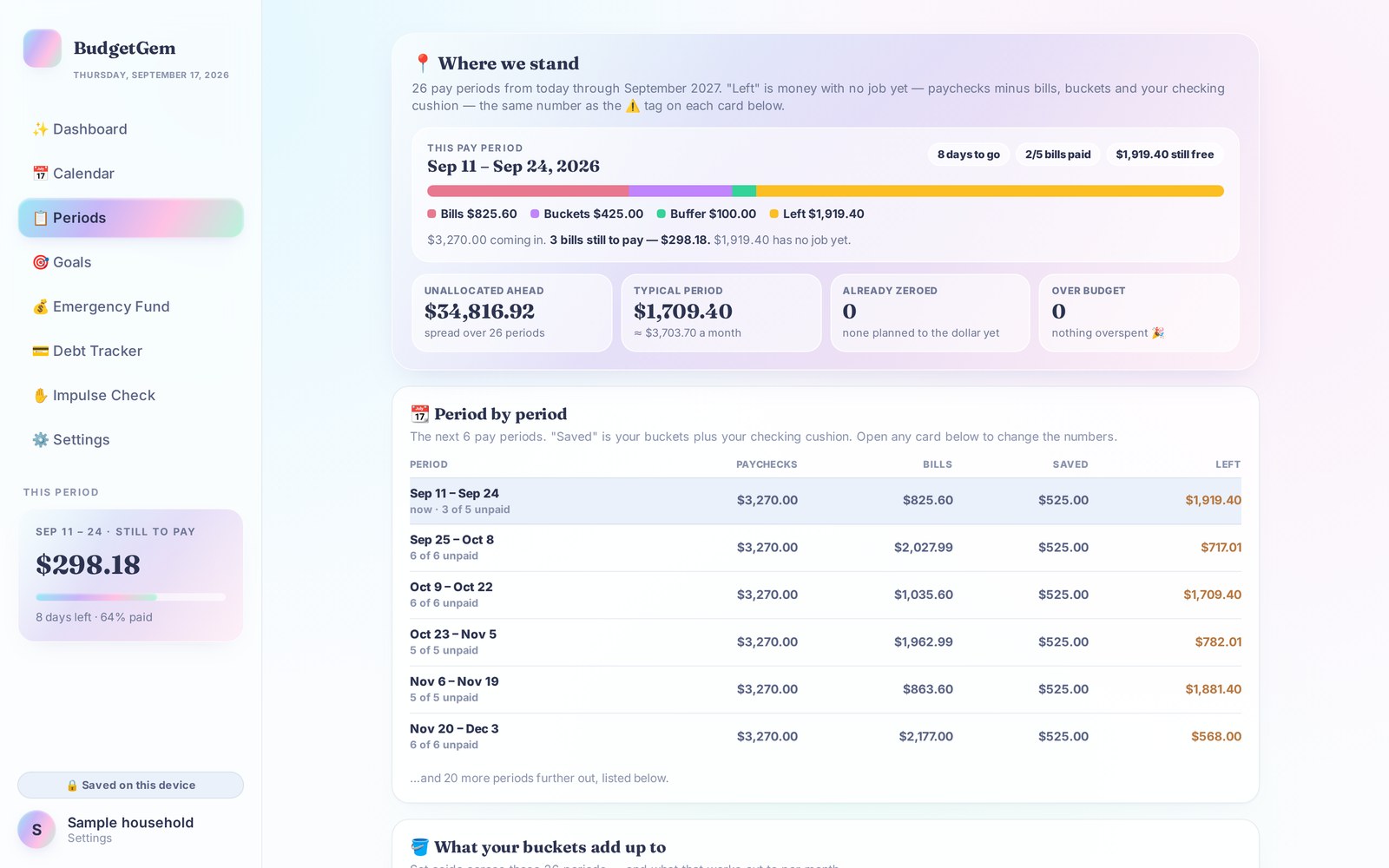
BudgetGem puts each bill into the pay period it actually comes out of. You see exactly what each paycheck has to cover, and you give every dollar that’s left a job before it disappears.
What you get
- A pay-period overview. See what’s still to pay, what’s coming in, what you’ve set aside, and what’s left with no job yet.
- Your bills in the right pay period, automatically. Enter each bill and its due date once, and BudgetGem fills in about a year of pay periods.
- Zero-dollar budgeting made simple. Name up to four savings buckets, and BudgetGem suggests how much to set aside whenever a paycheck can afford it.
- Debt Tracker. Log payments, see your payoff order, and watch your debt-free date move closer.
- Emergency Fund tracker. See when you’ll reach your goal at the amount you save each paycheck.
- Bill calendar. Paydays and due dates on one month view.
- Impulse Check. A wish list with a waiting period, an “is it worth it?” calculator that shows prices in hours of work, and a no-spend challenge.
- Six pretty color themes. Because you’ll open it more if you like looking at it.
Set up in about five minutes
- Tell BudgetGem how often you’re paid: weekly, every two weeks, twice a month or monthly.
- Add your paychecks and your monthly bills with their due dates.
- Name your savings buckets, and add any debts you’re paying down.
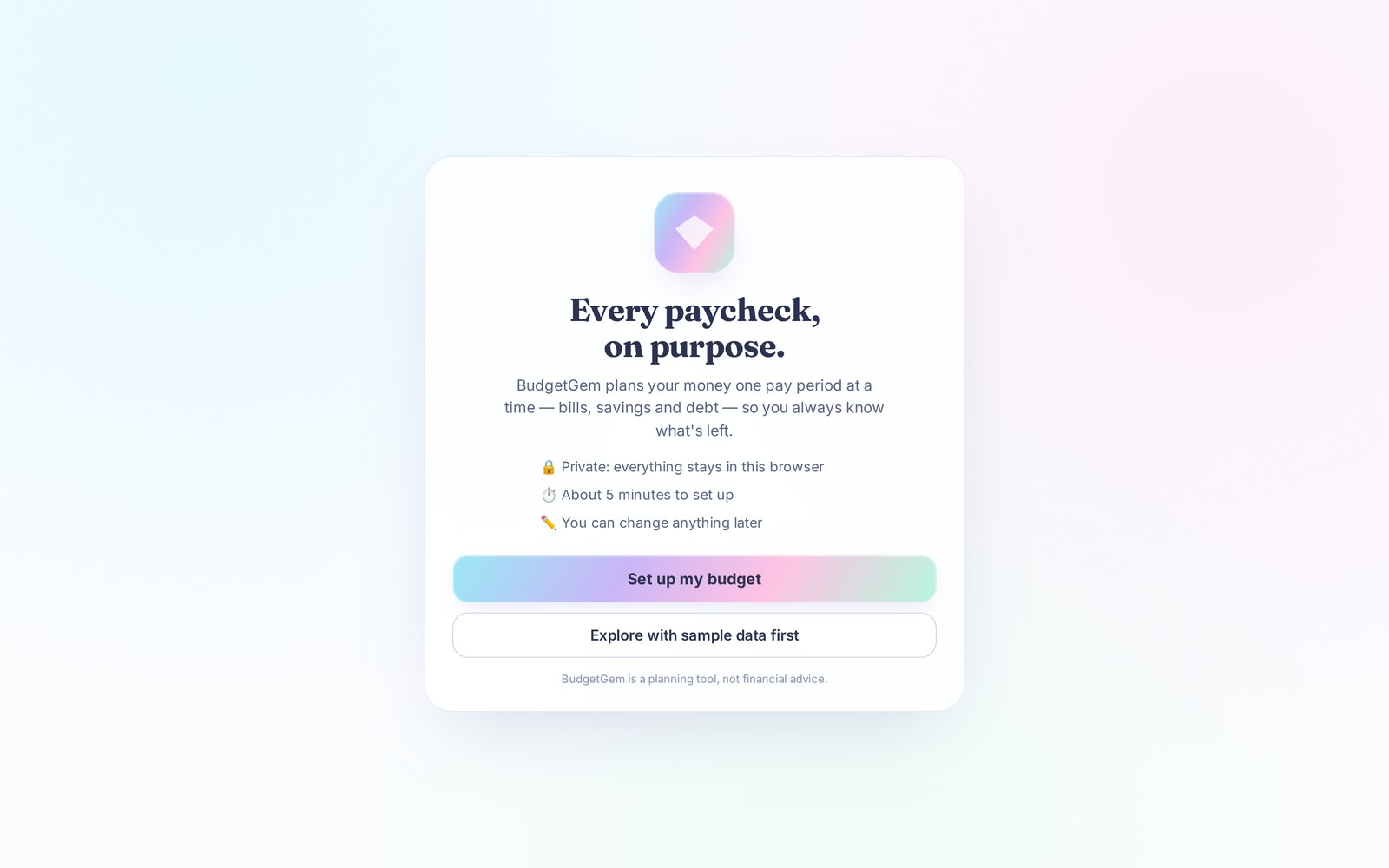
That’s it. Your year of pay periods is built. Not ready to enter your own numbers yet? Explore with sample data first.
Private by design
BudgetGem has no account to create and no bank login to hand over. Your numbers never leave your computer. Everything you enter is saved in your own web browser, and you can download a backup whenever you like.

Get BudgetGem today
$27
One-time purchase. No subscription. Instant download of the BudgetGem app file and the Start Here guide for Mac or PC. The App Store version is coming soon.
Download BudgetGem — $27Join the App Store launch listWorks in Chrome, Edge, Safari and Firefox on a Mac or PC.
Questions
Does it work on my phone?
The download is made for a computer. It opens in the web browser on your Mac or PC. A phone version is on the way: the BudgetGem app is coming soon to the App Store. Join the launch list and I’ll tell you the day it’s live.
Does it connect to my bank?
No, on purpose. You enter your paychecks and bills yourself. It takes a few minutes each payday, and it keeps you in the habit of actually looking at your money.
Where is my data stored?
In the web browser on your own computer. Nothing is uploaded anywhere. Use Settings → Download backup now and then, especially before you clear your browser history.
I’m paid weekly, twice a month or monthly. Will it work for me?
Yes. During setup you choose weekly, every two weeks, twice a month (like the 1st and 15th) or once a month, and BudgetGem builds your pay periods to match.
Is this a subscription?
No. You pay once and the file is yours to keep.
BudgetGem is a budgeting and tracking tool for personal use. It isn’t financial, tax, investment or legal advice, and it doesn’t connect to any bank. Its numbers are only as current as what you enter. Licensed for personal use by the purchaser.